 KaraokeList
The karaoke song list & bar finder
You're up next.
What are you singing?
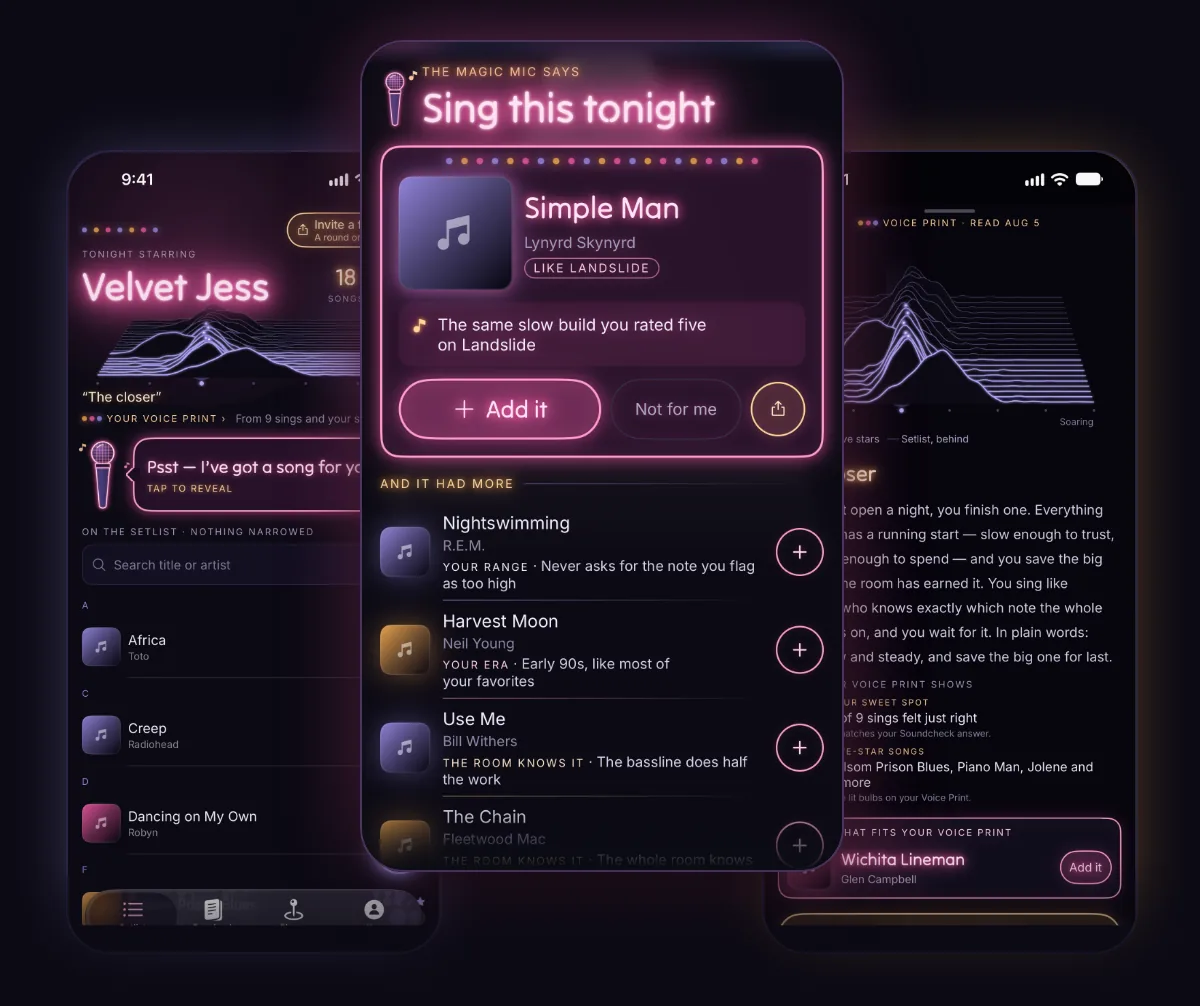
Keep every karaoke song you nail. Stuck? Tap the Magic Mic and it puts your next song up in lights, with the reason it's yours.
Free. Your setlist, your log, Listen for it and the karaoke map need no account. No signal? The list and log still work.
On a computer? Scan this with your phone to get KaraokeList. It’s free.


For iPhone on iOS 26 or later, and Android 8 or later.
Deciding what to sing
Two songs to go, and your mind is blank.
Not sure what to sing tonight? Start with the guides →
1 · Tap the mic
The answer lives on your setlist.
Your songs, under your name in lights. Find any of them before the host calls you up.
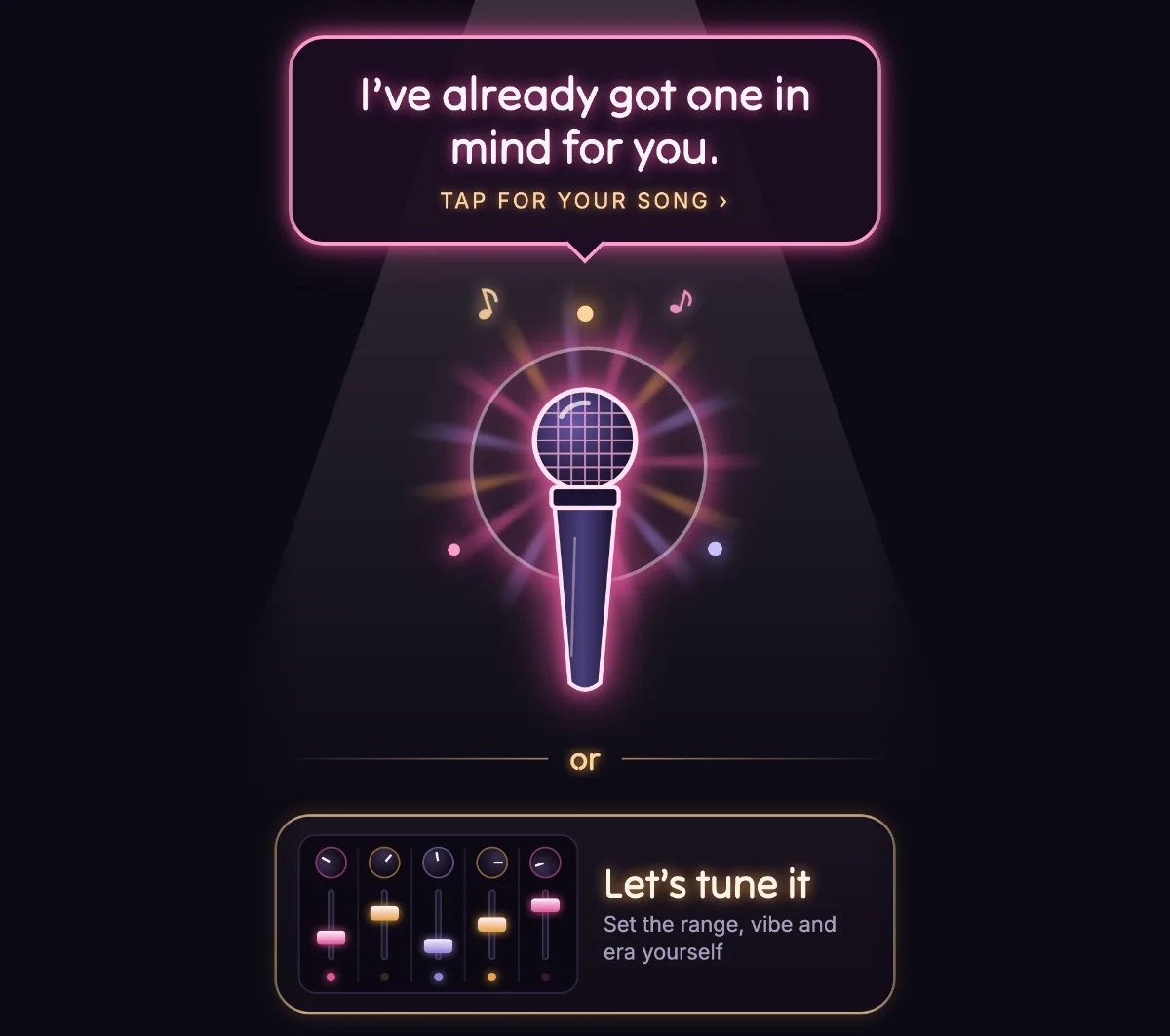
Out of ideas? Tap the Magic Mic.

2 · Tune it
Take its word, or tell it what tonight calls for.
One tap and it picks. Or tune it: how far to stretch, the vibe, the era, or a note like "something to close the night on."
Nothing's used until your song appears.
3 · The reveal
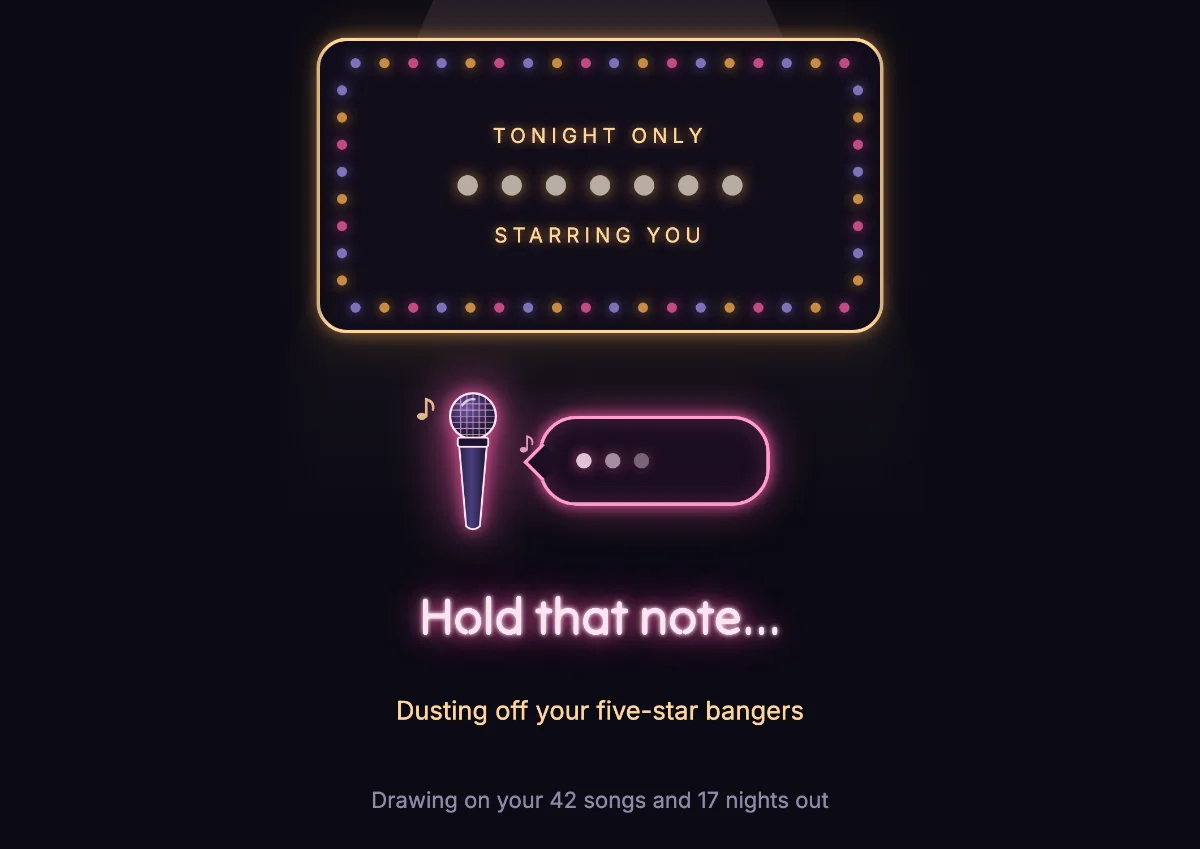
It reads your nights, not just your list.
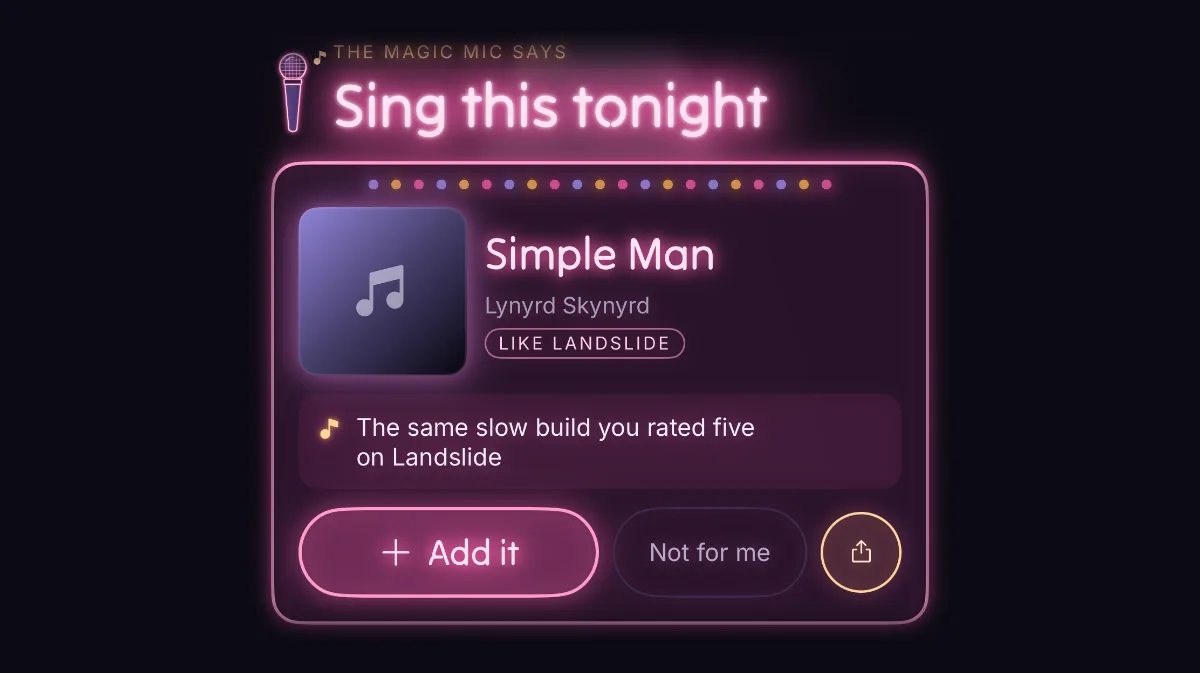
Your stars. Your "too high"s. Every night you logged. Then the bulbs spell out your song, with the reason it's yours. Never one you already have.
Add it in one tap. It lands straight in your setlist.
Song guides
Stuck for a song? Start here.
Hand-picked karaoke songs for every voice and every kind of night, each with the reason it works. No music degree required.
- Easy karaoke songs for beginnersEasy means where a song sits, not how good you are.
- Easy karaoke songs for menLow, steady songs you can sing with a grin, not a grimace.
- Easy karaoke songs for womenBig fun, no diva finish required.
- Karaoke songs for low voicesSongs that sit low and stay there, chorus included.
- Karaoke songs if you can't singNobody came to hear you sing. They came to sing along.
- Best karaoke duetsThe best duets give each voice its own place to stand.
Finding karaoke
Karaoke near you, any night of the week.
Most bars only do karaoke on certain nights. KaraokeList maps the karaoke bars near you and the nights they run. Pick tonight, see what's on.
Singers keep the map honest. Add a bar or fix a night, and the next person looking for karaoke tonight finds it right.
Out of town? We wrote karaoke guides to 127 cities: Los Angeles, San Francisco, San Diego, San Jose, Sacramento, New York, Seattle and more. Karaoke by city →
The setlist
Your karaoke song list, in one place.
The Magic Mic learns from you. Swipe a song, tap Sang it, take a bow.
Also in the app
The rest of the act
A short read of you as a singer. A fresh one only when you ask.
Hold your phone up. The song lands in your list.
Half a line, a film, a vibe. Describe it, then pick it. No app yet? Name a song stuck in your head.
On iPhone, your setlist becomes a playlist that stays in step.
Next morning, your night comes back as a poster. Keep it or share it.
No signal? The list and log still work. Your last picks stay too.
Yours alone
Questions
What does KaraokeList do?
It keeps the karaoke songs you nail and logs how each sing went. Stuck? The Magic Mic picks a new one, with its reason. It also maps karaoke bars near you and the nights they run.
How does KaraokeList pick what I should sing?
The Magic Mic reads your list, your stars and your too-high, just-right, too-low answers. Then it picks songs you don't have yet, each with its own reason: like a song you five-starred, right for your voice, from your era, or one the whole bar knows.
Can I tell it what I'm in the mood for?
Yes. Tune it: how far to stretch, the vibe (anthems, a duet, a slow one), an era, a genre, or a note like “something to close the night on.” Nothing's used until your song appears.
Where can I find karaoke tonight?
Open Places. You'll see karaoke bars near you and the nights they run, any night of the week. No account needed. Singers keep it up to date.
Can I keep a karaoke song list of what I can sing?
That's the heart of it. Add songs by searching, by listening, or by describing one. Mark what you can sing and what the room loves, star each sing, and stamp the flops. Find any song in seconds when you're up next.
Is KaraokeList free?
Free to download. Your setlist (up to 20 songs), log, Listen for it and the karaoke map need no account. A free account adds your stage name, a backup and three uses for picks, song lookups or Voice Print reads. Want more? Buy a pack, lift the song limit, or unlock everything once. Nothing renews.
Does KaraokeList show song lyrics?
No. Lyrics belong to their publishers. “Read the lyrics” opens them in your browser.
Is there an Android version?
Yes, on Google Play: same setlist, same Magic Mic, same karaoke map. What you buy follows your account, so switching phones keeps it. Apple Music playlists are iPhone only.
Is anything shared?
Only what you share. Nothing leaves your phone until you tap Share. Put a bar on the map and your stage name goes up with it. That's it.

Next time you're up, have an answer.
Free on iPhone and Android. Add three songs and the lights come on.
